What counts as a stem here
A stem is one continuous audio file per element — e.g. kick, snare top, bass DI, guitar L — without irreversible processing. We prefer raw or lightly balanced exports; heavy reverb or limiting on every track makes mixing harder.
Our per-song rate up to 48 tracks is €185; larger sessions are quoted on the mixing page or contact. €88 applies to on-site or online mix sessions.
Sample rate and bit depth
Deliver WAV or AIFF at the rate you recorded (44.1 kHz or 48 kHz are common). At least 24-bit. Do not hop between rates; pick one project rate and stay there.
Every stem must share the same start and length. Export from project start with identical time selection per track. Do not pad silence differently on each file.
If you tracked partly at home and partly at Magyaranzo, tell us which files need sample-rate conversion before import — we prefer to handle conversion once in the mix session rather than fixing drift later.
Headroom and gain staging
Peaks around −6 to −3 dBFS leave room for mix processing. Clipping stems cannot be fixed later. Skip limiters on individual stems unless you label them as intentional prints.
Printing analog gear? Note active inserts. Send a dry DI alongside amp tracks when possible.
Naming and folders
Short clear names: Kick_In.wav, Vox_Lead_01.wav. Avoid spaces; underscores travel well. One folder per song: Artist_Title_BPM128/Stems/ plus optional Refs/.
README.txtwith BPM, key and contact- Keep mono files mono; stereo only when truly stereo
- Include MIDI if virtual instruments may be replaced
Exports after recording at Magyaranzo
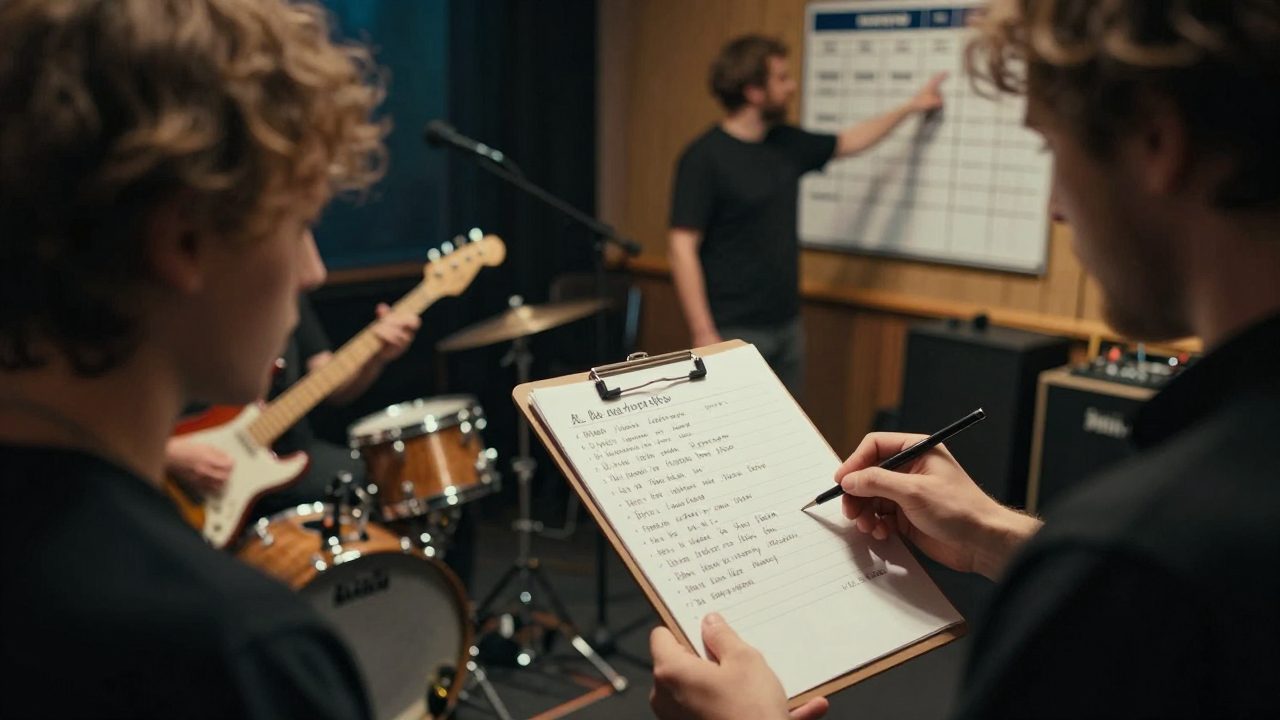
We deliver multitrack as quoted. Files stay in archive for 24 months — request exports in time. For band days, band session planning lists what to note on the day.
Vocal-only projects: export each comp lane plus a rough mix for context. See vocal prep.
References and revision rounds
Send one or two reference tracks for balance intent, not cloning. Say whether the target is streaming, vinyl or video. Mix includes 2 revision rounds; extras per mixing rates.
Feedback works best with specifics — «lift chorus vocal 1 dB» beats «make it hit harder». Timestamps help.
When you listen on phone speakers, note problems you still hear at low volume; that often points to masking in the mid range rather than overall loudness alone.
Delivery links and privacy
ZIP per song for large sets. Share links at least 1 day before mix start so we can import and flag missing tracks. Passwords only if you also send them on [email protected].
Voice in stems may be personal data under our privacy policy; business clients may need a data processing agreement.
Common mistakes
| Issue | Result |
|---|---|
| Misaligned starts | Phase drift in mix |
| MP3-only stems | Audible artifacts |
| Single stereo bounce | No real mix possible |
| Mixed sample rates | Pitch/tempo problems |
Unsure? Send three test stems; we confirm within a business day.
After the mix: mastering
Approved mixes often move to Mastering. Read mastering for streaming for loudness targets. Book via contact or browse services.
If you are in Amsterdam and prefer to hand off a drive, mention it when booking — we can confirm file integrity before the mix clock starts and note any corrupt files early.